

Awareness, as an experience.
Choose the missions, send them to the teams that need them, and let people practice the decisions they will one day make for real.
From launch to lasting habits.
Four steps take your people from a first mission to security habits that stick.
Choose your data packs
Pick the cyber missions that match the risks your people face most, from phishing to social engineering.
Launch to your teams
Roll experiences out to the groups that need them, whether that's one department or the whole organization.
Learn by doing
Participants step into realistic missions, make decisions, and see the consequences play out safely.
Reinforce over time
Keep awareness fresh with new missions so security habits stick long after the first session.
Everything you need to engage your people.
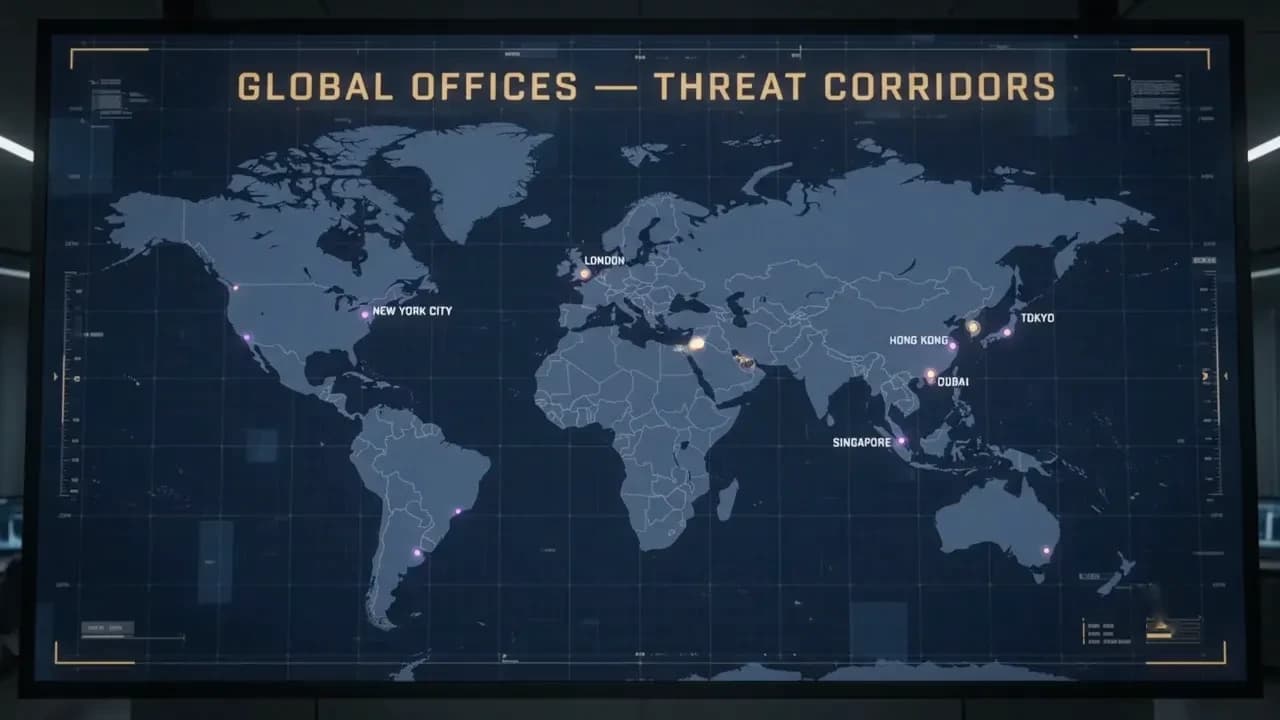
Game-based missions
Interactive challenges replace passive slides and videos, keeping participants engaged from start to finish.
Realistic missions
Experiences mirror the threats people actually encounter at work, so lessons transfer to real situations.
Built for every role
A whole data pack takes about 30 minutes on average and needs no security background.
Nothing to install
Guardian runs in a web browser, for teams in the office or working remotely.
Organization-ready
Structured to support awareness programs for teams of every size, from small businesses to enterprises.
Growing library
New experiences are added over time so your program can evolve alongside the threat landscape.
How Guardian is delivered
The practical answers your IT and security teams will ask for first.
- Where it runs
- In a web browser, with nothing to install.
- Data pack length
- 5 missions, about 30 minutes in total on average; people take from 15 minutes to an hour.
- Sign-in
- Every account is protected with multi-factor authentication.
- User onboarding
- Onboard users directly from your organization's Active Directory, or import them from a CSV file, then assign data packs by team.
- Your branding
- Each organization can set its own portal heading, accent color and logo.
- Language
- English.
What employees see
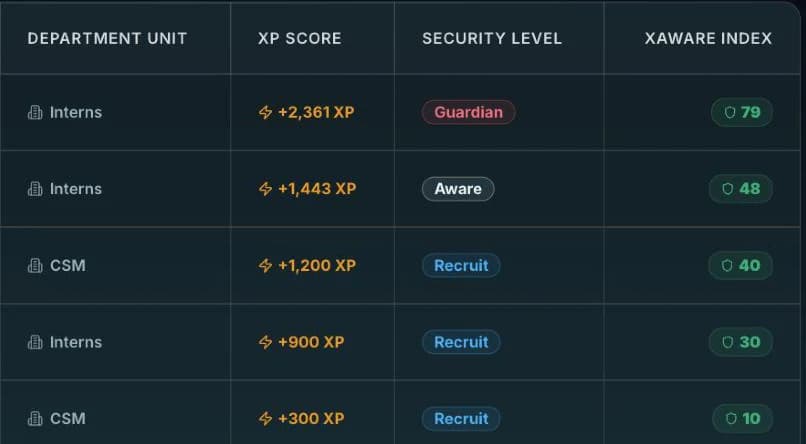
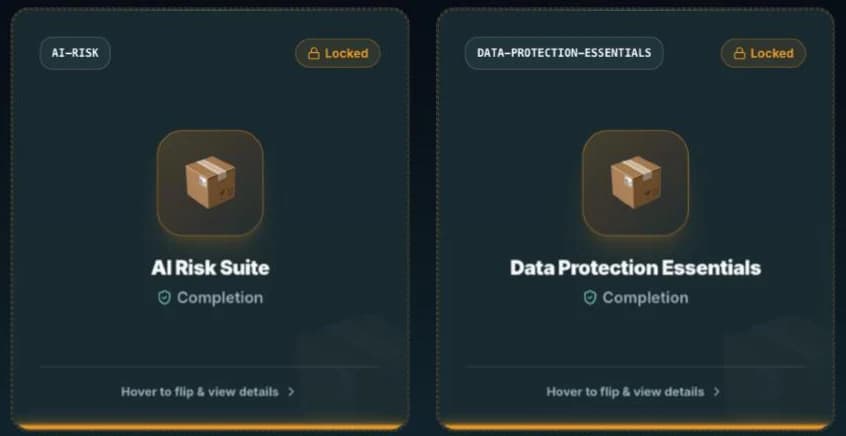
Everyone gets their own view of how they are doing: a personal risk profile, XP and a tier on the leaderboard, and a certificate for each data pack they finish.

What managers see
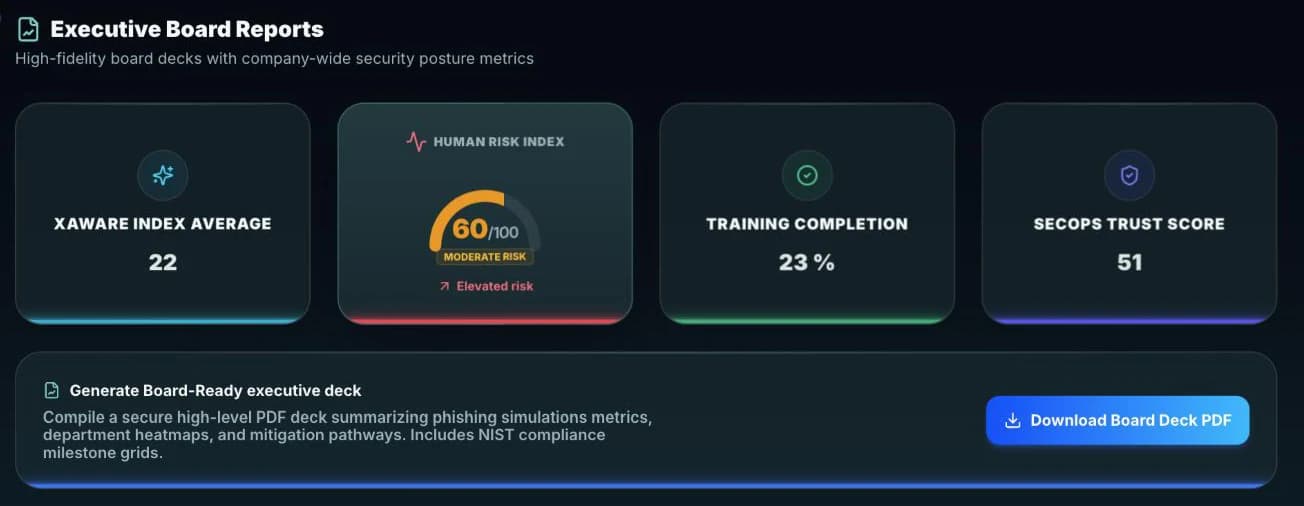
Guardian reports who has trained and how far each team has got. Every report exports as PDF or Excel, ready to share with your team or leadership.
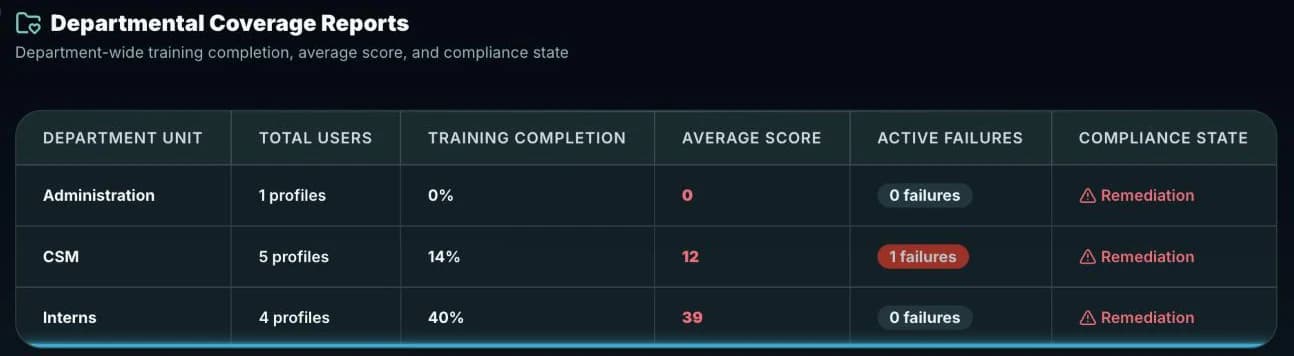
Department reports
Progress and completion for each team, so you can see which groups still need to finish.
Executive reports
A summary for leadership of how the program is going across the organization.
Completion certificates
A certificate for each data pack a person finishes, so every completion has a record.
See it with your own team.
Leave your work email and we'll set up a walkthrough with the missions that fit your people.